What does WiseOrg for Mac do?
It captures the work that never reaches a system of record: the call in Zoom, the pricing thread, the spreadsheet you check every morning.
WiseOrg for Mac is an AI desktop assistant for Apple silicon Macs. During your work hours it records what is on screen and both sides of your calls in any app, files what matters into the knowledge graph, and shows exactly what it added. When a task repeats, it offers to run it for you.
It captures the work that never reaches a system of record: the call in Zoom, the pricing thread, the spreadsheet you check every morning.
A timeline of the day and search over everything seen or said: a name, a number, a phrase. Call transcripts, time spent on each customer, and what this Mac taught WiseOrg.
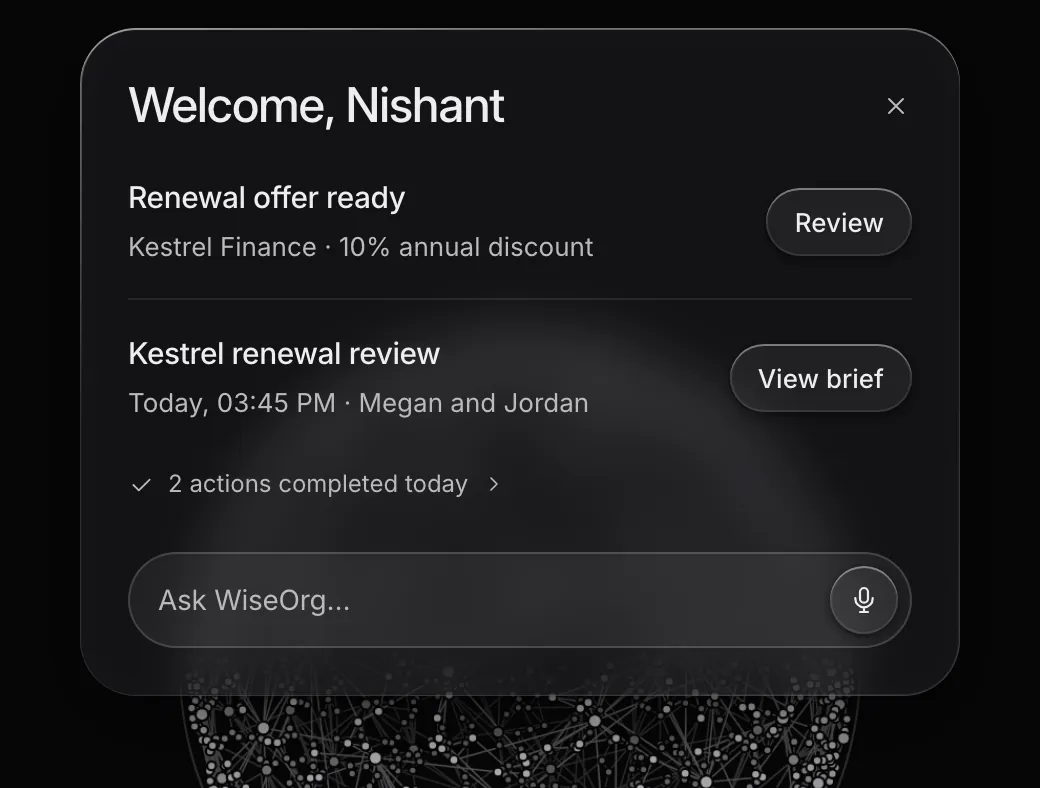
An island at the top of the screen shows what is running, what needs you and what broke. A voice hotkey talks to WiseOrg from any app.
Privacy is set by default, and an owner can switch the Mac app off for the whole workspace.
Apple silicon Macs. Windows is not available.
No. Only during the work hours you set, by default Monday to Friday, 09:00 to 19:00, and you can pause it at any time.
Book a demo and we will set up your workspace, including the Mac app.
Book a demo to see the loop run end to end.
